THE PLAYBOOK · XJFDJSZP
Rules, controls and help for Slitherlink
Start Slitherlink by looking at the playing area and its controls. Draw one closed loop whose edges match the count around every numbered cell. Look at what changes after your first action. Read the objective before making your first input. Check the relevant rule before repeating a move.
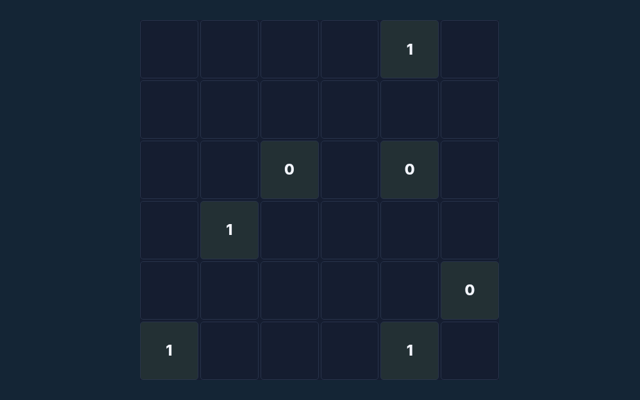
Ten 4×4 loop puzzles with all cell clues shown.
One thing to notice as you play
Choose one rule to keep in mind for this round. Apply it consistently rather than guessing what another version might allow. Use the example to check your reasoning.
What you are aiming for
Draw one closed loop whose edges match the count around every numbered cell. An attractive position is not enough unless the goal is met. Start with a deliberate move.
The steps to play
- Click an edge to draw, exclude or clear it.
- Count the four edges around each cell.
- Do not branch or form separate loops.
- Check puzzle verifies every clue and loop connectivity.
Making selections and moves
Click or tap squares or graph edges. Number boards include a digit pad. Undo reverses the previous change; Check puzzle validates the solution. A careful first action helps you become familiar with the layout. Contact us with the game and device if a control does not respond.
Try this example
A 0 cell has no loop edge around it; a 3 has exactly three. Your next round may have a different position, so inspect it before acting. Take a moment to compare.
Watch out for this
Several small loops are invalid even if clues match. A different version of the game may use a different rule. Locate the buttons and input area before beginning a long round. Use the on-screen labels to avoid an accidental restart.
Helpful answers for players
On this playing page, what is the goal of Slitherlink?
Draw one closed loop whose edges match the count around every numbered cell.
When I return, how do I control Slitherlink?
For clarity: Click or tap squares or graph edges. Number boards include a digit pad. Undo reverses the previous change; Check puzzle validates the solution.
Before I begin, what example helps explain Slitherlink?
A 0 cell has no loop edge around it; a 3 has exactly three.
When I return, what should I watch out for in Slitherlink?
Here is the relevant explanation: Several small loops are invalid even if clues match.
While learning, what format does Slitherlink offer?
Here is the relevant explanation: Ten 4×4 loop puzzles with all cell clues shown.
On this playing page, which play mode does Slitherlink use?
For clarity: The mode on this page is Solo. Same-device play uses one screen; this game library does not provide internet matchmaking.